
Guests notice the small things first: a sticky table, a warm display case, or a waiter without a name badge. SelfCheck Pro guides the team through every shift step by step and captures photo evidence. Your first checklist is ready in 10 minutes with no lengthy setup.
A free 30-minute call. We build your first checklist together, and it remains yours either way.
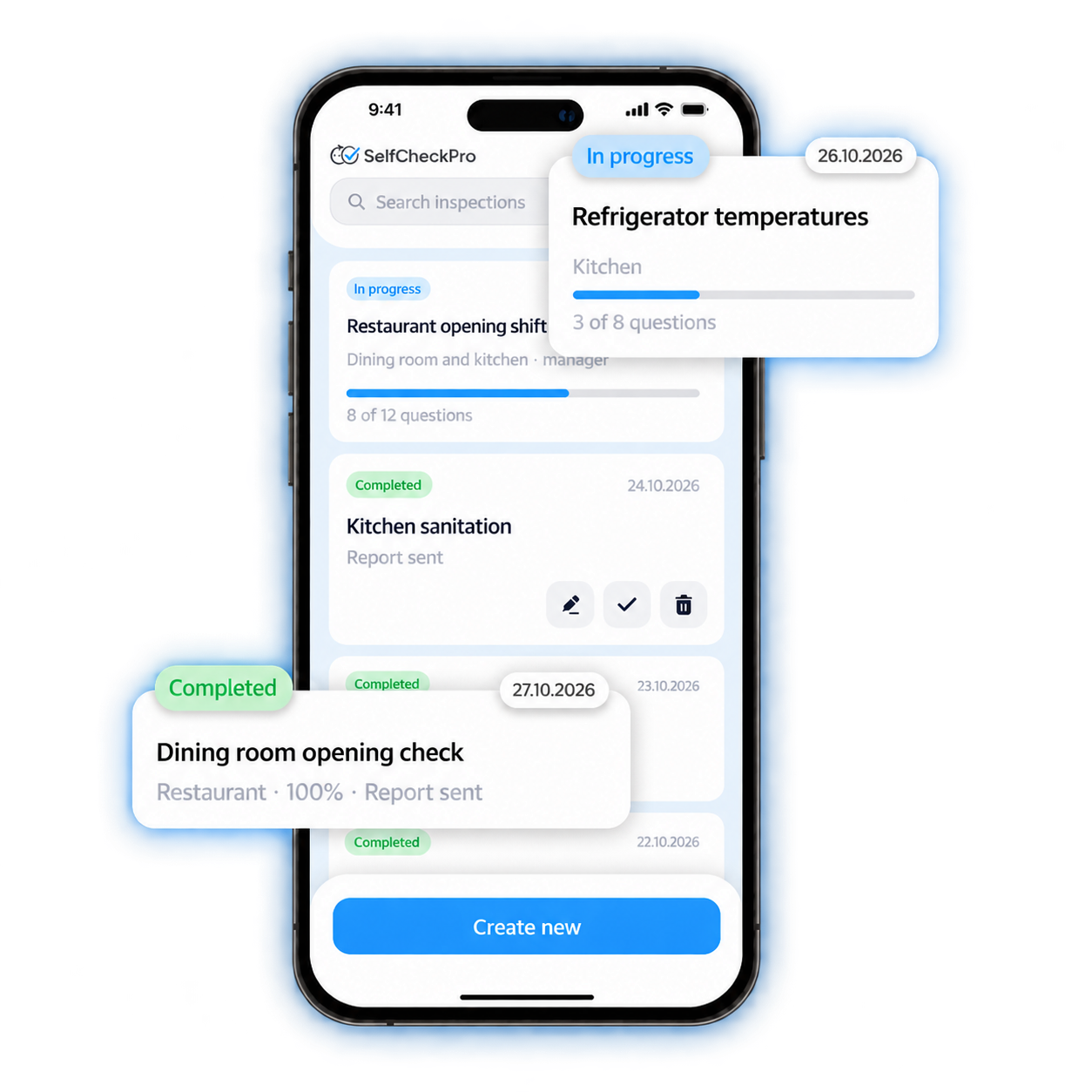
Ready-made checklists: cafes, restaurants and bars
Any of them can be adjusted to your standards, and yours can be assembled from scratch in 10 minutes. Let's get together for a demo
Built for real operations
Previously, shifts were accepted verbally. Now the barista sends a photo of the display case and the temperature of the refrigerator before my arrival
The sanitary checklist is closed every day with a photo. We do not prepare for the audit overnight, but simply open the reports
For teams of up to 10 employees: a coffee shop, a house, a dozen apartments, a cleaning team. Pay once, then the service remains yours
Join the pilotThe cloud dashboard opens in the browser, with nothing to deploy on your servers. Build sections and questions visually: yes/no, number, date, choice, scale or file. Mark required items and questions that need photo evidence.
Object of control, executor, term. Repeat daily, weekly or monthly. The employee will receive a reminder on their phone
Statuses, answers, photos with coordinates and time. Upon completion, the report is immediately sent to the mail, violations turn into tasks for the responsible person
An employee checks boxes at the end of a shift from memory, the photos go into the chat and are lost, and you learn about the problem from an inspector, from a guest or from a review
The shift is accepted verbally, but in the morning it turns out that the display case was not washed
The cook forgot to record the temperature, and the check requires a log
The waiter did not offer dessert, but you learn about this from the review
Photos from the kitchen are lying around in the general chat, it’s impossible to find what you need
At the second point everything is different, because there is a different manager
A new employee spends a month learning what should be on the checklist.
Most services can do “yes/no/not applicable”. SelfCheck Pro describes any process, from temperature measurement to employee certification
Web office for the manager, mobile application for the performer. Same data, different roles
You can assemble your own checklist in 10 minutes, and take it from the library ready for your area. Copying between objects, blocking outdated versions
Daily, weekly, monthly, annually. Tasks are created themselves and sent to the performer with a reminder
Photos are taken during the inspection with time and location recorded; old gallery images cannot be uploaded. Videos, documents and reports attach directly to the checklist item instead of getting lost in chat.
System administrator, organization administrator, executor. Networks, branches and contractors are separated by organization, everyone sees only their own zone
Passage percentage, repeat violations, comparison of objects and performers. Uploading results
Both the application and the web version store the draft locally and send the data when a connection is available. Basement and warehouse are not a problem
Administrators work in a cloud dashboard in the browser, with no servers or workstation licences. Employees can use the mobile web version or the iOS and Android apps.
Open API for uploading results to your system, BI or accounting circuit
The interface switches to the employee's language. Line staff often do not read Russian, but the checklist will understand
We have spent years improving customer service for companies of every size, from sporting events and catering to IT operations. SelfCheck Pro grew from that hands-on work, which keeps the price practical.
Up to 10 employees. Pay once, license remains forever
For a growing team and multiple sites
Networks, holdings, process improvements
The first checklist takes about 10 minutes. A full launch takes one working day: we create the organization, locations and employees, then import your checklists. You can add the rest yourself without a separate implementation project.
No installation is required for administrators: the cloud service opens in any browser. There are no servers to deploy, workstation licences to buy or implementation consultants to hire. Employees can use the mobile web app (PWA) from a link, add it to the home screen and receive updates automatically. Native iOS and Android apps are also available.
No. The contractor sees a list of assigned checks in the application and fills out the form; these are two screens. Only the administrator needs training and it takes about an hour
The app stores replies and attachments locally and sends them to the server when the network is available. The verification can be completed completely offline
No. If this mode is enabled, the camera opens directly from the checklist, and time and coordinates are attached to the photo. This is what distinguishes a real check from a formal one.
Yes. This is a core use case. Number ranges, decimal precision, dates, scales, multiple choice and files are configured for each question, including required answers and validation rules.
On servers in Russia
The app interface follows the employee’s language selected in their profile. Checklists can be maintained in any language: employees see the version they understand, while you receive the results in your dashboard.
We spent years building service processes for major events, catering and IT operations. The product grew from tools we used ourselves, so there is no greenfield development or oversized sales team built into the price. Your starting price remains yours.
There is an open API for uploading test results. We discuss ready-made connectors as part of the corporate tariff
A 30-minute call: you explain what and how you inspect, and we build it in the editor with you and show how it looks on an employee’s phone. The checklist remains yours even if you decide not to become a customer.
Or write: hello@selfcheck.pro